
Titer detection kit
Adenovirus Titer Detection Kit
Functional titer by serial dilution to a countable endpoint — the number that predicts transduction. Catalog number FBP2402,
part of the Adenovirus Titer Detection Kit range. Send the catalog number with your
quantity and we will confirm availability, lead time and price.
Product photo
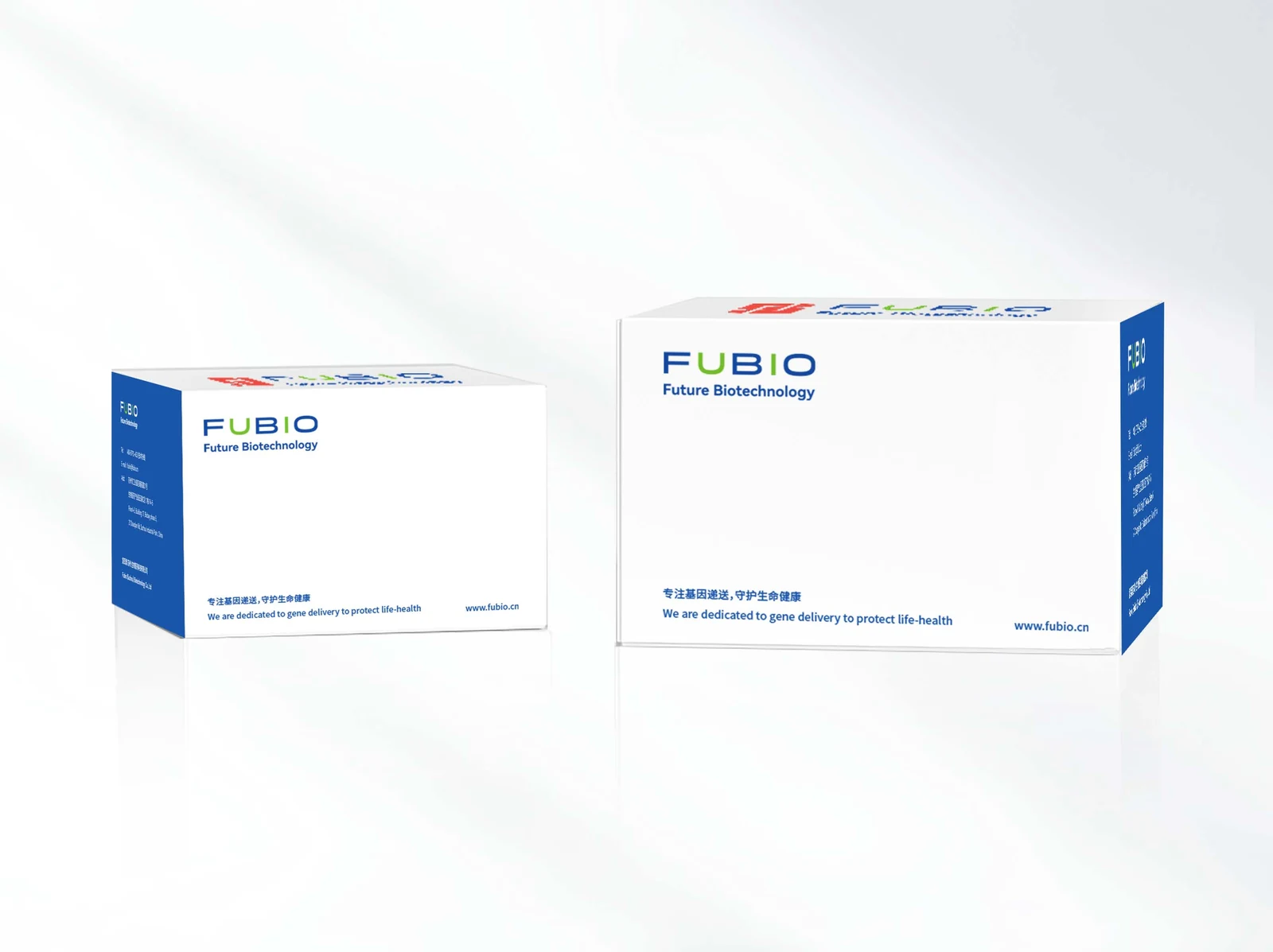
Click the photo to enlarge it.
How it works
Two titer conventions coexist and they answer different questions. Physical titer — genome copies by qPCR, or capsid protein by immunoassay — counts particles whether or not they can still infect a cell. Functional titer counts only particles that actually transduce a permissive cell line and express the reporter, which is the number that predicts how your experiment will behave.
The kit measures functional titer by endpoint dilution: the vector stock is serially diluted onto a permissive monolayer, the readout is allowed to develop, and positive events are counted in the dilution range where the response is still linear. Dividing the count by the dilution factor and the inoculum volume gives titer in TU/mL (or PFU/mL for adenovirus), reported with the dilution that the count came from so the number can be audited.

Production & quality control
- Cells, dilution medium and readout reagents are supplied together; only standard cell culture consumables are needed separately.
- Each lot is qualified against a reference vector preparation to keep lot-to-lot comparability within the stated range.
- The kit is validated for the vector type named on the data sheet — do not assume cross-compatibility between lentivirus and adenovirus formats.
Storage & handling
- Store the kit at 2 to 8 degrees Celsius unless the label states otherwise.
- Indicator cells ship separately on dry ice — transfer to liquid nitrogen on arrival.
- Do not freeze-thaw reference standards more than the label allows; standards drift before reagents do.
Experimental protocol
-
Seed the indicator cells
Plate the permissive cell line the day before so the monolayer is 30 to 50 percent confluent at infection — evenly distributed, because counting assumes uniform growth across the well.
-
Dilute the vector
Prepare a serial dilution — ten-fold steps are standard, five-fold when the expected titer is uncertain. Work quickly and keep dilutions on ice; titer decays at room temperature.
-
Infect and develop
Add diluted vector to the wells, incubate 48 to 72 hours so the readout develops fully. Under-incubation undercounts; over-incubation merges neighboring positive events and overcounts.
-
Count and calculate
Count positive foci or fluorescent units only in the dilution whose response is still linear. Divide the count by the dilution factor and by the inoculum volume, and report TU/mL or PFU/mL together with the dilution used.
-
Run duplicates
Duplicate wells at every dilution is the minimum for a reportable number; a factor-of-two spread between duplicates is normal, more than that indicates a pipetting or plating problem.
Follow the protocol sheet for the exact incubation time and readout method for your kit; the steps below summarize the workflow common to both formats.
Need the complete PDF manual with lot-specific parameters? Request the manual for FBP2402.
Frequently asked questions
Why does my functional titer differ from the qPCR number?
qPCR counts genomes, including particles that never infect a cell. A gap between the two is expected; a very large gap usually means the preparation has accumulated inactive particles — often from freeze-thaw or over-concentration.
Which dilution should I count?
Only the dilution where positive events are well separated — typically 10 to 100 per well. Outside that range, counting is biased by merging or by Poisson noise.
Can I use one kit for both lentivirus and adenovirus?
No — the indicator cells and readout chemistry are vector-specific. Use the kit format that matches your vector.